Best AI Voice Note Taking Apps Compared (2026)

You walk out of a meeting with a foggy memory and a stack of half-sentences. Or a great idea hits you in the car, and it's gone before you reach the parking lot. AI voice note apps solve both problems — but they solve them in very different ways. Here are ten options worth looking at, and who each one is actually for.
1. Unote — Hands-Free Capture with AI Auto-Organization
Unote is a voice journaling and AI insights app for iOS, with a watchOS companion app that lets you record right from your wrist. Speak a note; the AI transcribes it, cleans it up, and sorts it automatically into Health, Mind, Work, or Life — or any custom category you set up. No folders. No filing. Nothing to manage.
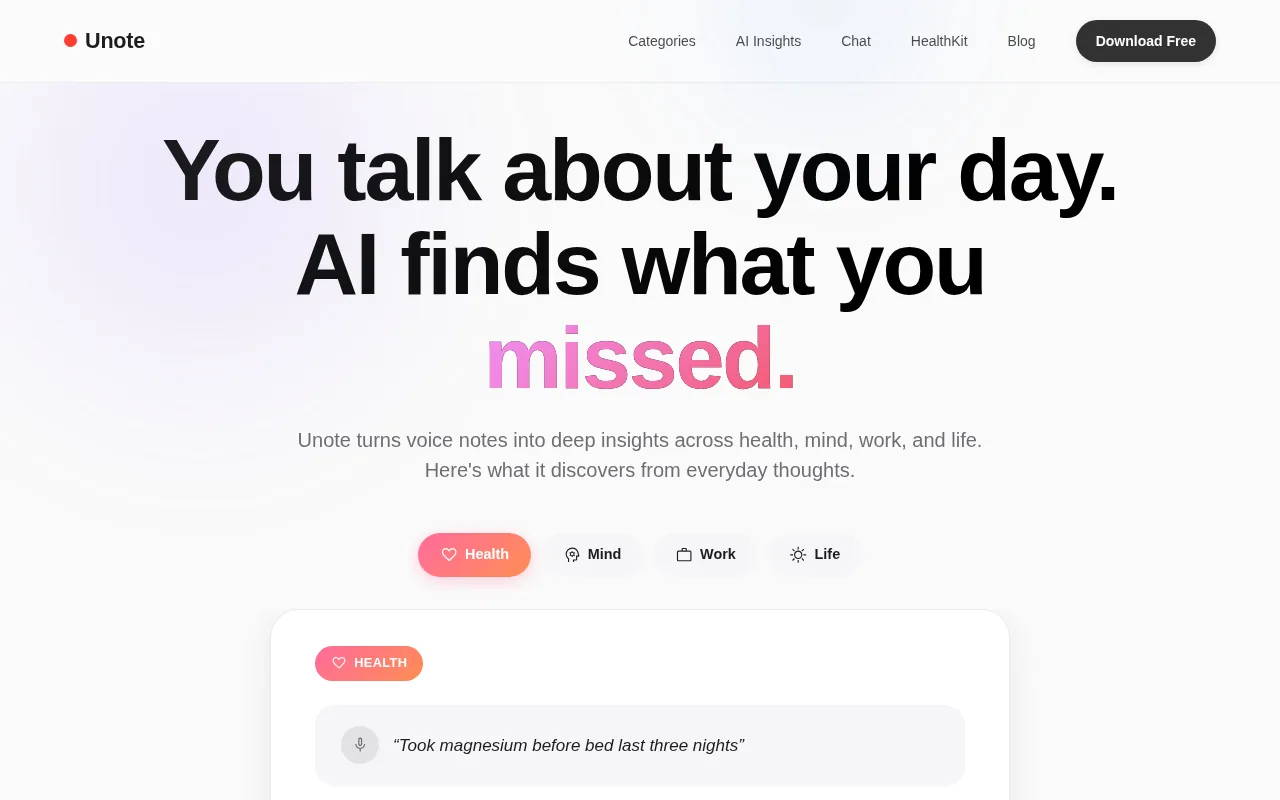
That combination — wrist capture plus auto-categorization — is rare. In a survey of 20 iOS voice-note apps, only one offered both watchOS support and built-in life-area sorting. Unote is that one. If you're a founder or manager who thinks faster than you type, that matters a lot. Say "New idea for the onboarding flow" into your watch while you're grabbing coffee. It lands in Work, transcribed and ready. No phone required.
What sets Unote apart from every other app on this list is what happens after capture. The AI tracks patterns across your notes over time — how sleep affects your output, how social time shifts your mood for days — and surfaces those connections automatically. You can also chat with your notes. Ask "Why have I been so distracted this week?" and Unote's AI answers using your own recorded history, not generic advice.
Unote supports multiple languages, syncs across Apple devices, and is free to download with a 7-day trial for full features.
The one honest caveat: Unote is iOS and watchOS only. No Android, no web app, no desktop client. If your team is mixed-platform, some members won't have access. But for iPhone users who want the most effortless capture-to-insight workflow available right now, nothing else comes close.
2. Otter.ai — Automated Meeting Notes and Team Collaboration
Otter.ai is built for meetings. It plugs directly into Zoom, Google Meet, and Microsoft Teams, joins calls via a visible bot, and produces live transcripts that your whole team can see building in real time. Someone highlights a line or tags a teammate — that all happens inside the shared notes while the call is still going.
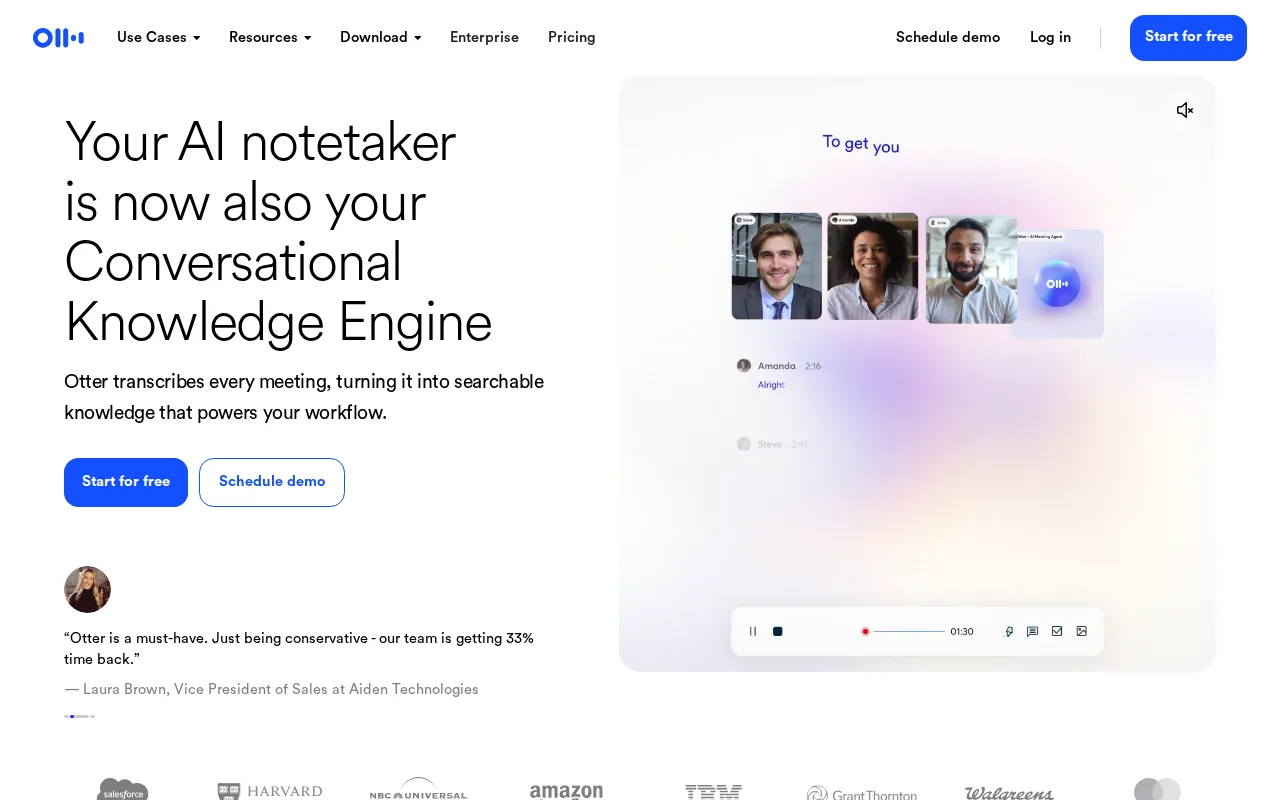
The AI Autopilot feature auto-joins meetings from your calendar, handles speaker labeling, and drops AI-generated action items into the notes within minutes of the call ending. It even captures slide screenshots and places them inline. For English-speaking teams that want shared, living notes with zero manual effort, Otter is genuinely useful.
Two things to know before you commit. First, Otter sends a visible bot into every call. Some people don't care; others find it awkward. Second, language support is limited to five: English (US and UK), Japanese, Spanish, and French. If your clients or teammates speak anything else, this won't work. Pricing runs from a free tier at 600 minutes per month up to a Business plan at $30 per user per month.
Otter is a strong pick for English-speaking teams that do a lot of Zoom calls and want real-time collaborative notes. It's less useful for solo thinkers, personal idea capture, or multilingual environments.
3. Fireflies.ai — Sales Teams Needing Deep Integrations
Fireflies.ai is what you reach for when you manage a team and need patterns across dozens of calls, not just notes from one meeting. It records and transcribes meetings across Zoom, Google Meet, and Microsoft Teams, then gives you talk-to-listen ratios, sentiment analysis, and topic tracking across every call your team takes.
If you run ten sales reps, you can see who's talking too much, who isn't asking enough questions, and how those habits correlate with close rates across hundreds of calls. That's a genuinely different kind of value from a note-taking app. Fireflies also recently partnered with Perplexity to add real-time web search inside meetings, so you can fact-check a stat someone throws out without leaving the call.
The integration list includes 40+ platforms spanning Salesforce, HubSpot, Slack, and major project management tools, which is why sales and operations teams tend to pick it. Language support covers 100+ languages, a big gap over Otter. The free plan gives you unlimited transcription with 800 minutes of storage. Pro starts at $10 per user per month.
The downside is weight. Fireflies is feature-heavy, and if you're a solo user who just wants clean meeting notes, you'll feel the friction immediately. The free tier also removes old recordings after the 800-minute limit. Best for sales managers and ops leads who want aggregate analytics, not for individual note-takers who want something simple.
4. Granola — Minimalist AI Note-Taker for Focused Thinkers
Granola takes a different bet from every other tool on this list. Instead of handing you a full AI-generated summary, it expects you to jot your own rough notes during the call — then improves them afterward with AI. Think of it as a co-pilot for people who actually like taking notes but hate missing things.
The before-and-after is striking. You type a few scattered phrases during the meeting. Granola sees the full transcript in the background and fills in everything you missed, turning your rough notes into a clean, complete document. It's bot-free, so no one on the call sees an AI participant join.
The Recipes feature is worth noting: it lets you apply different prompt templates to the same transcript, turning one meeting into a follow-up email, a project brief, or a client summary with a single click. At $14 per month for unlimited meetings, the price is fair. The free tier has unlimited meetings but only stores 30 days of history — your notes disappear after that if you don't pay.
There's no audio playback in Granola, which is a real gap. If you need to relisten to a specific moment, you can't. And it's Mac-focused — not the right tool if your team is on Windows. But for the kind of person who stays engaged in meetings and just wants help making their notes complete, Granola is genuinely good at that specific job.
5. Superpowered — Privacy-First, Bot-Free Note Capture
Superpowered records live device audio — no bot joins your call, no notification goes out to participants, nothing appears in the meeting room. It works on whatever platform you're already using: Zoom, Google Meet, Teams, Slack, or an in-person conversation with your laptop open. After the call, it produces structured AI notes with templates and quick follow-ups.
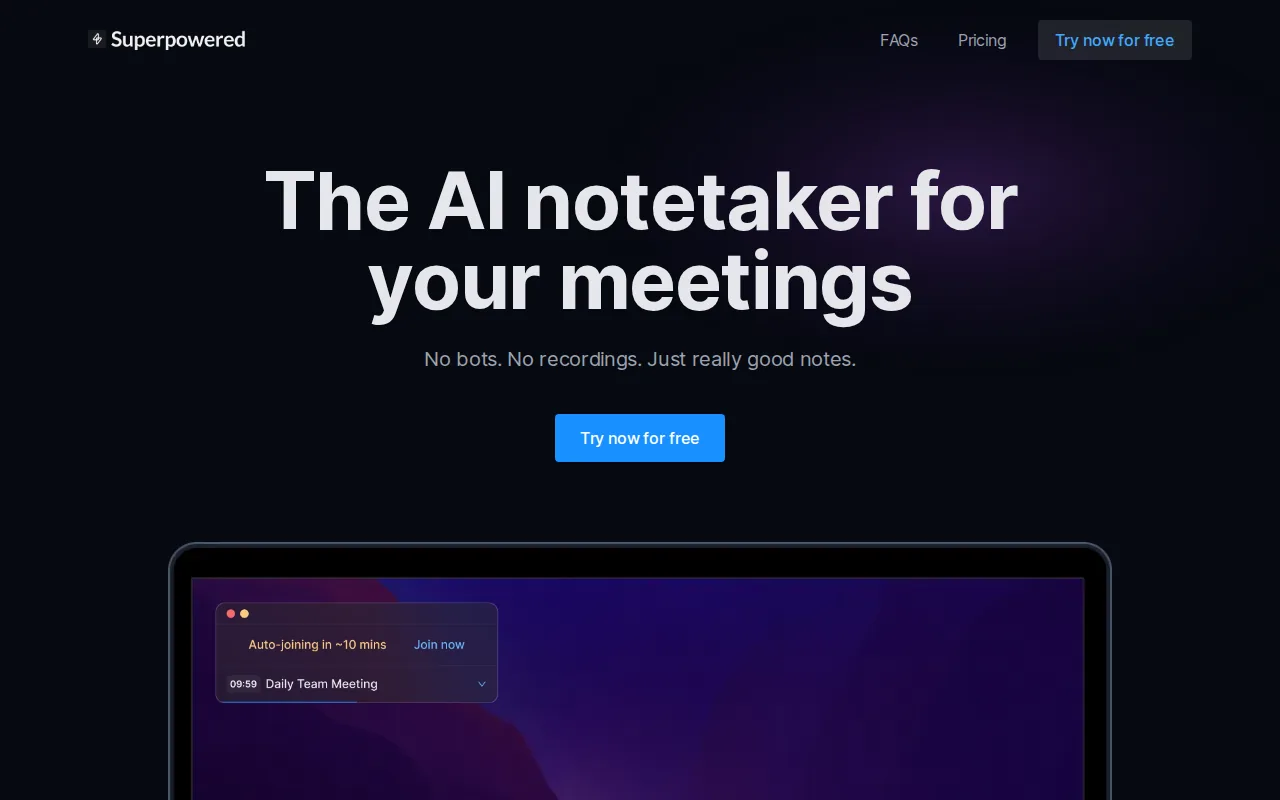
For anyone in consulting, legal, or finance where client privacy is a real concern, the bot-free approach matters. Participants don't feel like they're being recorded by a corporate tool. The AI still handles speaker attribution and action items — it just does it silently in the background using your device microphone instead of a call-side bot.
Superpowered also supports structured note templates, so you can define the output format you want before the call starts. That's useful for people who need consistent note structure across client calls or team standups. No Apple Watch support, and the app is not iOS-only — it runs on Mac and web.
The trade-off is that device-audio recording is more sensitive to background noise than a direct call feed. In a noisy environment, accuracy can drop. But if your meetings happen in quiet settings and you need to avoid the bot entirely, Superpowered is the cleanest privacy-first option in this comparison.
6. Just Press Record — One-Tap Capture Across Apple Devices
Just Press Record is exactly what its name says. Open the app, tap once, speak. It transcribes on-device using Apple's speech recognition, and it works on iPhone, iPad, Apple Watch, and Mac — all synced through iCloud. No account required, no cloud upload, no subscription to get started.
The Apple Watch support here is real and well-executed. You can start recording from your wrist with a single tap, and the transcript syncs to your iPhone automatically. For quick capture moments — a parking lot idea, a thought between meetings — that workflow is fast and reliable.
Transcription accuracy is solid for clear speech in quiet environments. The app handles multiple languages and lets you search transcripts, but the AI layer is thin compared to the other tools here. There's no auto-categorization, no pattern tracking, no chat with your notes. It's a great transcription recorder, not an insight engine.
If you want the simplest possible Apple-ecosystem voice recorder with Watch support and local transcription, Just Press Record earns its place. If you want the AI to do something useful with your notes after capture, you'll hit a ceiling fast.
7. VoiceToNotes.ai — Custom AI Prompts and Structured Output
VoiceToNotes.ai works as a direct transcription app — no meeting bot, no calendar integration. You record manually through your device microphone, and the platform transcribes it, then organizes the content into readable sections, highlights key points, and extracts actionable tasks. The design is deliberate: control over what gets recorded, not automatic joining of everything.
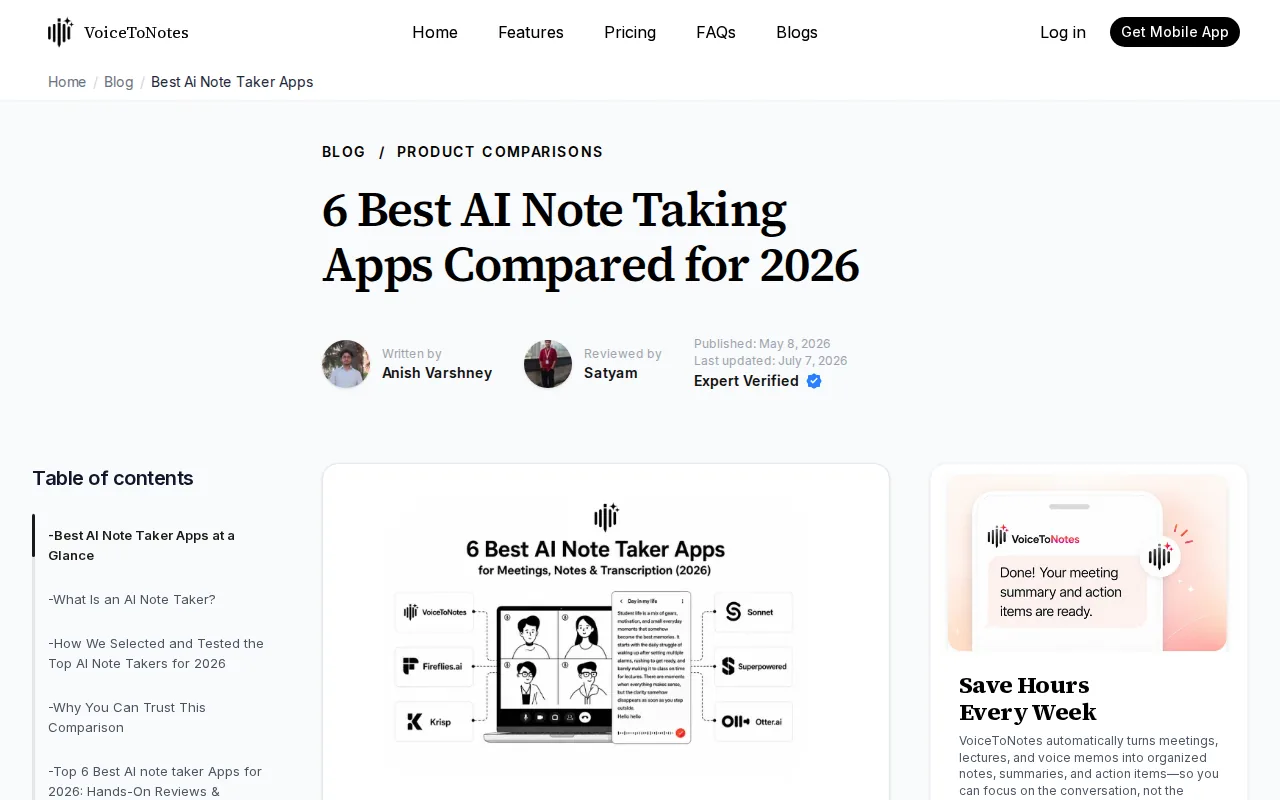
The standout feature is the Custom Prompt system. You can tell the AI exactly what you want from a recording — a study summary, a follow-up email, a set of action items in a specific format — and it generates that output from the same voice note. That flexibility makes it useful across different workflows: a student capturing a lecture wants something different from a product manager capturing a brainstorm.
VoiceToNotes.ai runs on web, Android, and iOS — broader platform coverage than most apps in this list. It includes a free plan with real AI features included, not just teased behind a paywall. The tradeoff is that it doesn't auto-join meetings or integrate with Zoom or Google Meet, so it's not built for teams doing call-heavy workflows.
Pro Tip: If your voice notes serve different audiences (a client call vs. a personal brainstorm vs. a team standup), VoiceToNotes.ai's custom prompt feature lets you set a different output template for each use case — without switching apps.
No Apple Watch support here. And because it uses device-microphone recording rather than a direct call feed, accuracy in noisy environments can vary. But for students, solo professionals, and creators who want structured output and control over the AI prompts shaping it, VoiceToNotes.ai is a genuinely flexible tool.
8. VidNotes — Immediate AI Summaries from Voice Memos
VidNotes handles a specific problem well: you have a recorded voice memo, you need something more useful than raw text from it. Import an audio file from your Photos library, iCloud Drive, or Files, and VidNotes returns a full transcript plus an AI-generated summary, action items, and flashcards — typically within minutes for a 10-minute recording.
The transcription covers multiple languages and handles accents better than most apps in this category. VidNotes uses a high-accuracy transcription engine under the hood, which puts its accuracy well above Apple Voice Memos for most speakers.
Pricing details are available on the VidNotes website, with a free trial available. The app works on iPhone, iPad, and web, with Android support now live on Google Play. You can also drop in YouTube links or video files and get the same treatment — useful for researchers and students who mix audio with video content.
One honest limit: VidNotes has no live recording or dictation mode. You import existing files; you don't record directly in the app. There's also no real-time meeting bot integration. It's a post-capture processing tool, not a live meeting assistant. If most of your notes come from recorded memos rather than live calls, that's fine. If you need live transcription, look elsewhere.
9. Laxis — All-Around AI Note Taker with Personal Note Merging
Laxis stands out for a feature that sounds small but changes how you use meeting notes: it merges your personal notes with the AI-generated transcript. So the thing you scribbled mid-call sits right next to what the AI captured from the full conversation, in one unified document. That context makes the notes more useful afterward.
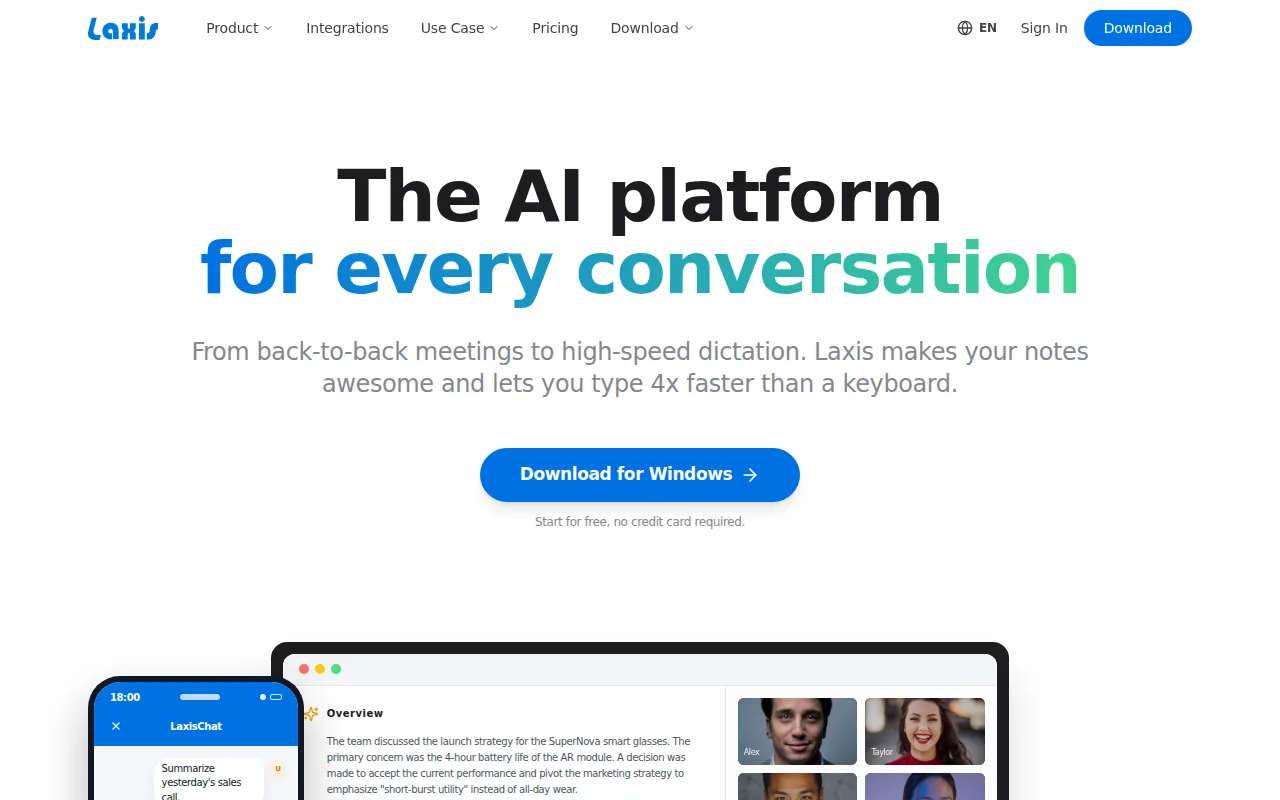
Laxis handles the usual meeting platforms — Zoom, Google Meet, Teams — and produces summaries, action items, and speaker-labeled transcripts. The search across your meeting history works in natural language, so you can ask "What did we agree on the pricing model last month?" and get a usable answer rather than scrolling through transcripts.
It's particularly well-suited to people who already take their own rough notes during calls but want AI to fill the gaps and give the combined result some structure. Sales reps, consultants, and account managers who stay engaged in conversations rather than typing the whole time tend to get the most from it.
No Apple Watch support. The platform is web and mobile, not iOS-only. Pricing varies by plan, and the feature set can feel broader than a solo user needs — it's built with teams and recurring client conversations in mind.
10. Apple Voice Memos — Free Baseline for Casual Transcription
Apple Voice Memos is the zero-friction starting point. It's already on your iPhone. Starting with iOS 18, you tap a recording, tap the transcript button, and it transcribes locally using on-device AI — no account, no subscription, no data leaving your phone. Transcription works on-device for privacy and is available in a limited set of supported languages.
Accuracy is decent but not best-in-class. There are no AI summaries, no action items, no flashcards, and no chat with your notes. You get raw text. Export options are limited. But for someone who occasionally wants to turn a voice memo into searchable text and doesn't need AI to process it further, this is the right answer — because it costs nothing and requires nothing extra.
The gap shows up quickly for anyone who records regularly. A library of raw transcripts with no organization, no search intelligence, and no pattern tracking gets unwieldy fast. Apple Voice Memos is a solid baseline. It's not a thinking tool.
How We Tested These AI Voice Note Taking Apps
We reviewed 20 unique iOS and watchOS voice-note apps across 8 sources, including product documentation, app store listings, and hands-on YouTube demos, with data collected in July 2026. For each app, we tracked six fields: transcription accuracy, auto-categorization, Apple Watch support, unique AI feature, best-fit audience, and pricing structure.
Apps that claimed meeting-bot functionality were assessed on how visibly the bot appears to other participants — because that friction is real for many users. Apps claiming accuracy figures were cross-referenced against their underlying model (proprietary engine, or human review). Where apps reported near-perfect scores in controlled conditions, we noted that operational accuracy varies with accents, background noise, and audio quality.
Privacy handling was evaluated separately: whether audio is processed on-device or sent to a cloud server, whether the vendor uses recordings for model training, and whether opting out is easy to find. These aren't edge cases for busy professionals — they matter for anyone who speaks candidly into their phone about clients, strategies, or personal observations.
The watchOS gap stood out clearly: only one app in the full survey combined wrist-based capture with automatic life-area categorization. That combination directly addresses the "capture then file" problem that most professionals describe as their biggest friction point with voice notes.
AI Voice Note Taking Apps Compared: Feature and Pricing Table
The table below compares the core capabilities that actually determine whether an app fits your workflow. Pricing reflects publicly available plans at time of writing; always check the vendor's current pricing page before committing.
| App | Apple Watch | Auto-Categorization | Chat with Notes | Meeting Bot | Starting Price | Best For |
|---|---|---|---|---|---|---|
| Unote | ✓ | ✓ (Health / Mind / Work / Life + custom) | ✓ | — | Free (in-app purchases) | Hands-free capture, personal AI insights |
| Otter.ai | — | — | ✓ | ✓ (visible) | Free (600 min/mo); Pro pricing varies | Team meeting notes (English-first) |
| Fireflies.ai | — | — | ✓ | ✓ (visible) | Free (800 min storage); Pro $10/mo | Sales analytics, deep integrations |
| Granola | — | — | — | — | Free (30-day history); $14/mo | Minimalist note-enhancer, Mac users |
| Superpowered | — | — | — | — (bot-free) | Pricing varies | Privacy-sensitive professionals |
| Just Press Record | ✓ | — | — | — | Paid (one-time) | Simple Apple-ecosystem recorder |
| VoiceToNotes.ai | — | ✓ (sections + tasks) | — | — | Free plan available | Custom prompts, structured output |
| VidNotes | — | — | — | — | Free trial; pricing varies | Transcribing existing recordings |
| Laxis | — | — | ✓ | ✓ | Pricing varies | Personal note merging with transcript |
| Apple Voice Memos | — | — | — | — | Free (built-in, iOS 18+) | Occasional casual transcription |
Key Takeaway: Only Unote combines Apple Watch capture with automatic life-area categorization and a chat-with-your-notes AI — the three features that together eliminate the capture-then-file loop entirely.
What to Look For When Choosing an AI Voice Note App
The right app depends on where your notes come from and what you need to do with them afterward. A few questions cut through most of the noise.
Where do you capture? If ideas hit you away from your desk — on a run, between meetings, in the car — you need an app that starts recording in one tap with no screen to unlock. Unote's Apple Watch complication solves this at the wrist level. Just Press Record comes close on the same hardware. Every other app on this list requires your phone.
Are your notes from live calls or your own thoughts? Meeting-focused tools like Otter.ai, Fireflies, and Laxis are built around joining calls and transcribing other people. Personal capture tools like Unote, VoiceToNotes.ai, and VidNotes are built around your own voice memos. A meeting bot is useless if most of your notes are solo ideas. A personal journal app won't help you manage team call transcripts.
What happens after transcription? Raw text is the floor, not the ceiling. The more interesting question is whether the app surfaces patterns, lets you chat with your history, or structures output for a specific workflow. This is where most apps stop short. Transcription is table stakes now; the AI layer on top of it is the actual differentiator. If you want to turn scattered voice notes into searchable knowledge over time, that requires pattern tracking and conversational AI — not just a transcript file.
How sensitive is the content? Voice notes about clients, strategies, or personal observations deserve real privacy scrutiny. Check whether audio is processed on-device or uploaded to a cloud server. Check whether the vendor uses recordings for model training and whether opting out is buried in settings. Unote's privacy policy makes clear that voice recordings are shared only with third-party transcription services for transcription purposes, and health data is never used for advertising or data mining.
How much friction can you tolerate? The best note-taking system is the one you actually use. An app with 50 features is worthless if opening it breaks your flow. Prioritize apps that match the way you already think and move — then let the AI handle everything else.
FAQ
Which AI voice note app works on Apple Watch?
Two apps in this comparison support Apple Watch recording: Unote and Just Press Record. Unote goes further — it also auto-categorizes every note into Health, Mind, Work, or Life and surfaces patterns across your recordings over time. Just Press Record is a solid one-tap recorder but has no AI organization layer. If wrist-based capture with intelligent sorting matters to you, Unote is the only app that does both.
What's the difference between a transcription app and an AI note-taking app?
A transcription app converts speech to text. An AI note-taking app does that and then does something useful with the text — extracting action items, categorizing content, summarizing meetings, tracking patterns, or letting you chat with your notes. Apple Voice Memos and Just Press Record are transcription tools. Unote, Fireflies, and Laxis are AI note-taking tools. The gap between them matters most when you're recording regularly and need to retrieve or act on what you said.
Are AI voice note apps private?
Privacy varies significantly. Some apps send audio to cloud servers, use it for model training, and make opting out hard to find. Others — like Superpowered — avoid bots entirely. Unote shares voice recordings only with its transcription providers and never uses health data for advertising. Apple Voice Memos transcribes entirely on-device for iOS 18 users, which is the most private option if you only need basic transcription without AI features.
Can I use an AI voice note app for personal journaling, not just meetings?
Yes — and this is actually where most meeting-focused tools fall short. Apps like Otter.ai and Fireflies are built around call transcription. For personal journaling — capturing ideas, mood, work thoughts, observations — you want something that handles freeform voice notes and finds meaning in them over time. Unote is designed specifically for this: it analyzes your notes across life areas and surfaces connections you wouldn't notice scrolling through a list of transcripts.
Do any AI voice note apps work without an internet connection?
Some apps offer on-device transcription for offline use. Apple Voice Memos on iOS 18 transcribes locally without any network connection. Just Press Record also uses on-device speech recognition. Most AI-powered features — pattern analysis, chat with notes, AI summaries — require a server connection because the models involved are too large to run locally on a phone. Check each app's documentation for offline capability details before relying on it in low-connectivity situations.
Is there a free AI voice note app worth using?
Several options have useful free tiers. Unote is free to download with a trial period for full features. Otter.ai gives 600 free minutes per month. Fireflies provides unlimited transcription with 800 minutes of storage on the free plan. Apple Voice Memos is completely free and requires no extra app if you're on iOS 18. For most people starting out, Unote's free tier is the right first stop — especially if you're an iPhone user who wants AI organization alongside transcription.
Conclusion
Most of these apps do one thing well: transcription. A few do more. If your biggest problem is meeting notes and team collaboration, Otter.ai or Laxis will serve you. If you manage a sales team and want aggregate call analytics, Fireflies is the right call. But if you're a busy professional who thinks faster than you type, wants to capture ideas hands-free from your wrist, and wants the AI to organize and connect those notes without any filing — download Unote and start your free trial. Say what's on your mind. Let it handle the rest.